




Connect the Push Button
Connect the Push Button
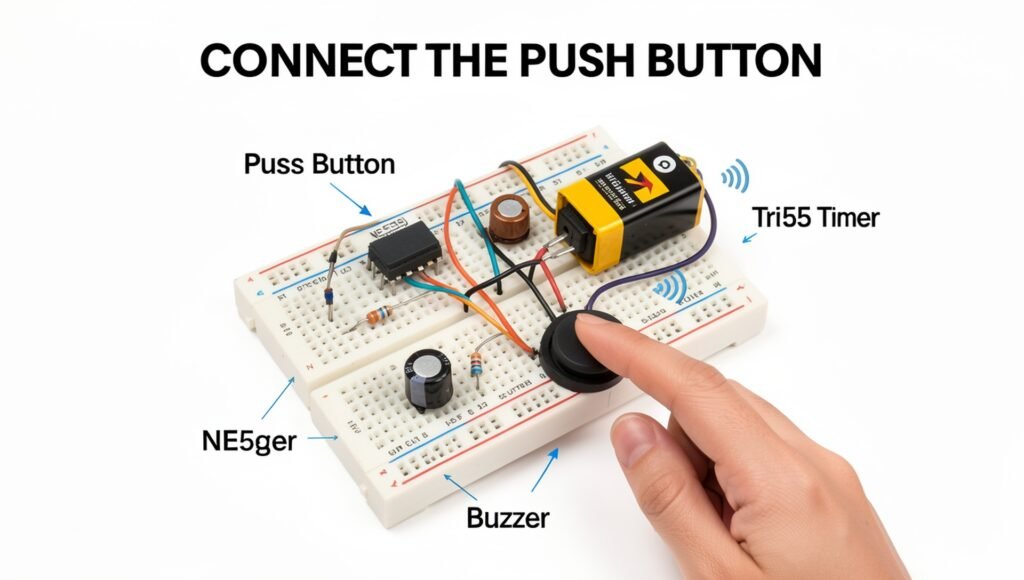
Connect the push button to the 555 timer circuit so that pressing it activates the doorbell operation. The push button acts as the user-controlled trigger: when it is pressed, it sends a trigger signal to the appropriate input of the NE555 timer, causing the timer circuit to begin its timing or oscillation cycle. Follow the circuit diagram carefully and connect the button to the correct 555 timer pin rather than connecting it directly to the buzzer.
For a typical 555 timer doorbell, the push button can be connected to the trigger input (Pin 2) so that pressing the button produces the required trigger condition. Use the appropriate pull-up or pull-down resistor shown in the circuit design to keep the trigger input in a stable state when the button is not pressed. This helps prevent unwanted triggering caused by electrical noise or a floating input. Make sure the button and resistor values are suitable for the chosen power supply and 555 configuration.
Position the push button at the front or another easily accessible location where it can conveniently serve as the doorbell switch. Secure the button firmly so it does not move when pressed, and keep its connecting wires neat and insulated. Before applying power, press the button several times while checking the connections to make sure it operates smoothly. Once the circuit is powered, pressing the button should trigger the 555 timer and produce the desired tone through the connected buzzer or speaker.